
⚠️ Android Studio 설치 전 주의사항! 🛠️
- Windows 8 이상 (64bit) 또는 MacOS 10.14 버전 이상 => 최신 버전 추천!
- RAM 최소 8 ~ 16GB 이상 필요
- 디스크 공간 최소 8GB 이상 필요
- CPU 최신 추천!
- 화면해상도 : 최소 - 1280x800, 추천 - 1920x1080
1. Android Studio 다운로드
Android 스튜디오 설치 | Android Studio | Android Developers
Windows, macOS 또는 Linux에서 Android 스튜디오를 설정 및 설치합니다.
developer.android.com
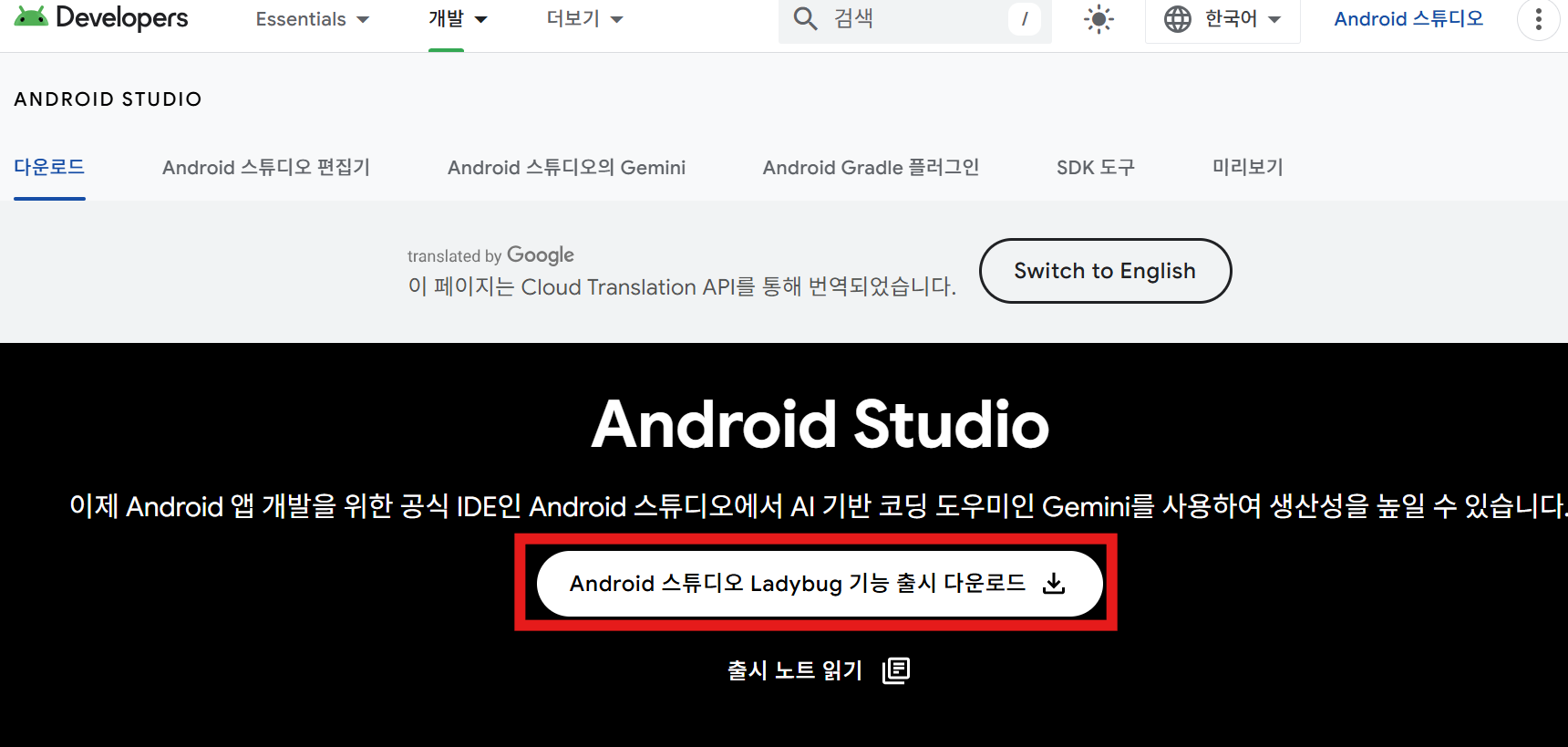
=> 안드로이드 스튜디오 Ladybug 기능 출시 다운로드
( 파일 용량이 커서 다운로드시 시간이 걸릴 수 있어요. )
2. Android Studio 설치
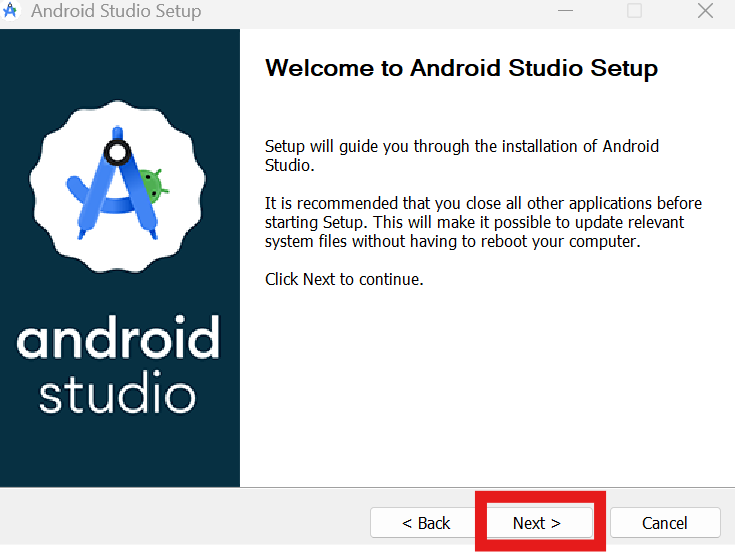
=> 계속 Next만 클릭
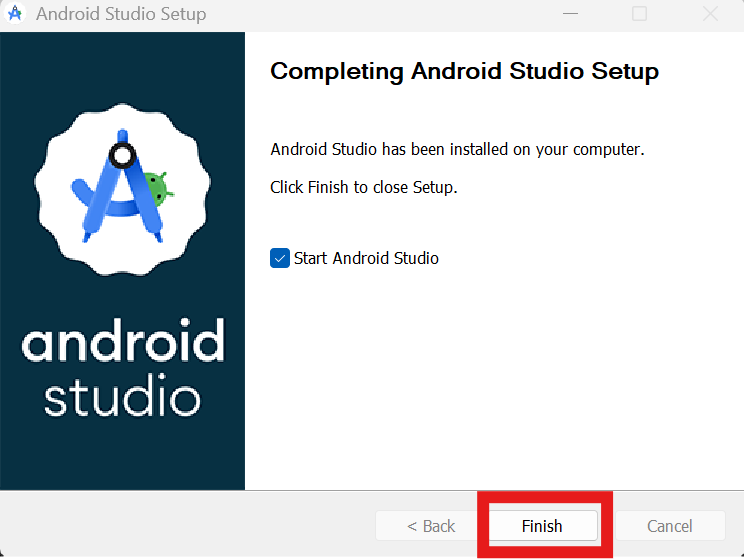
=> Finish 클릭하면 설치 완료
3. Android Studio 설정
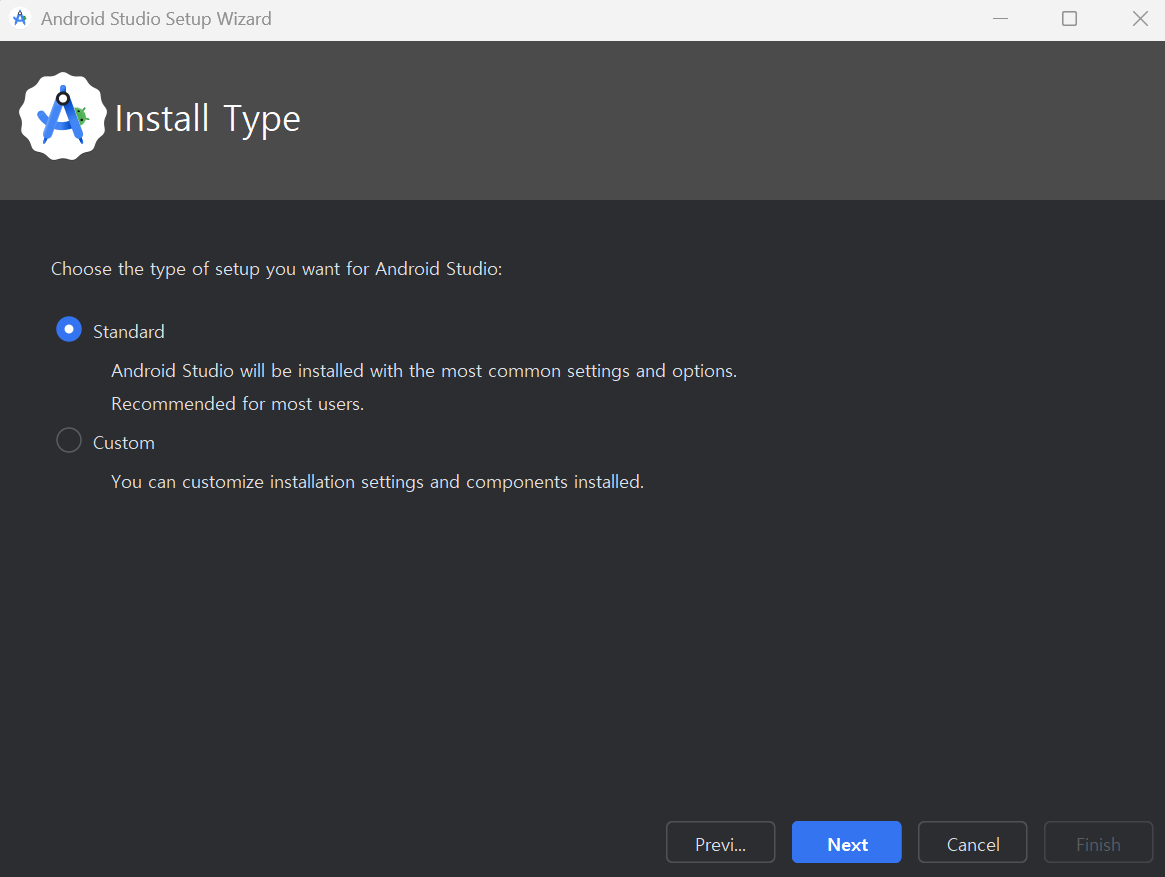
=> 안드로이드 스튜디오 세팅 화면이 보여지면 계속 Next 후 Finish 클릭해 주세요.
( 저는 설치하는데 시간이 걸렸어요. )
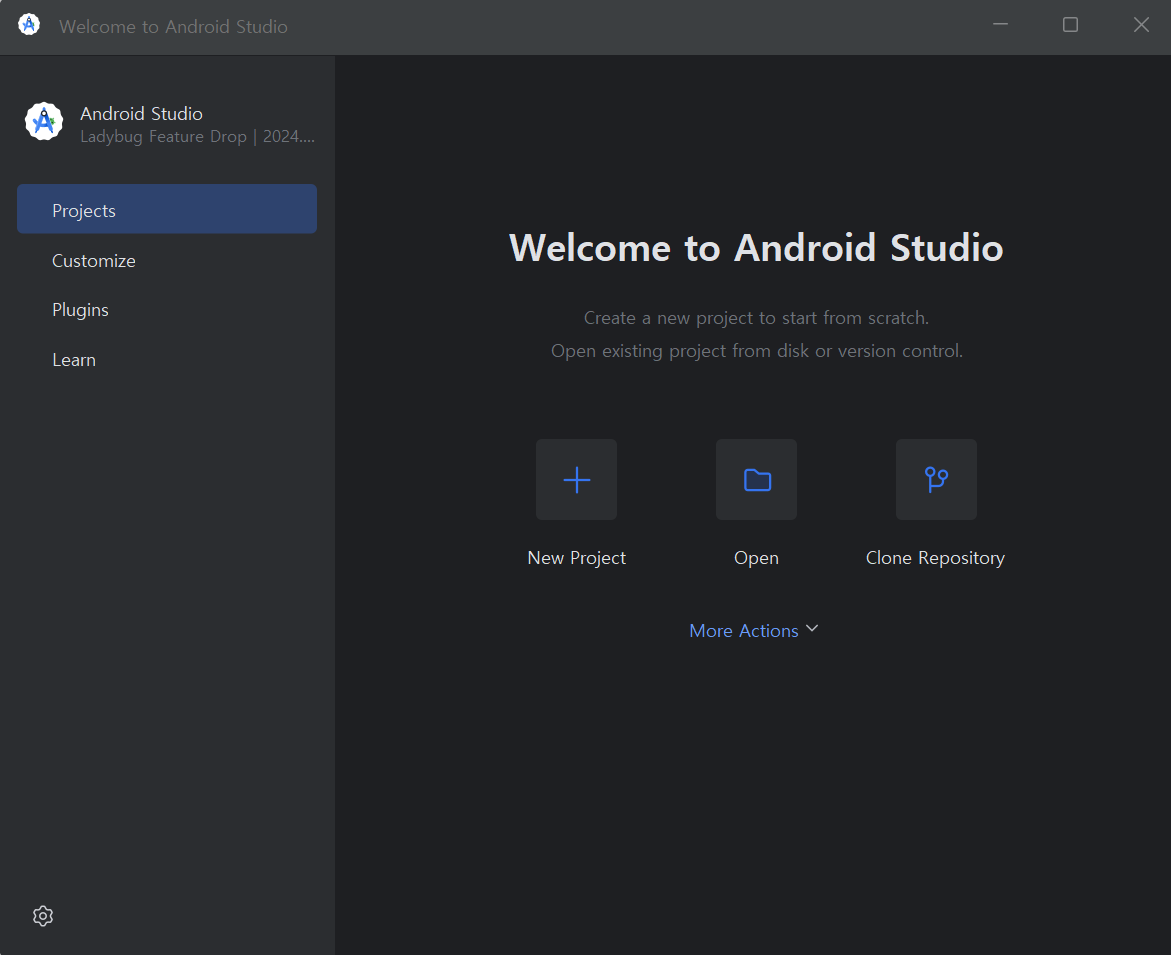
=> 설치 완료
4. SDK Manager 설정

=> More Actions 클릭 -> SDK Manager 클릭
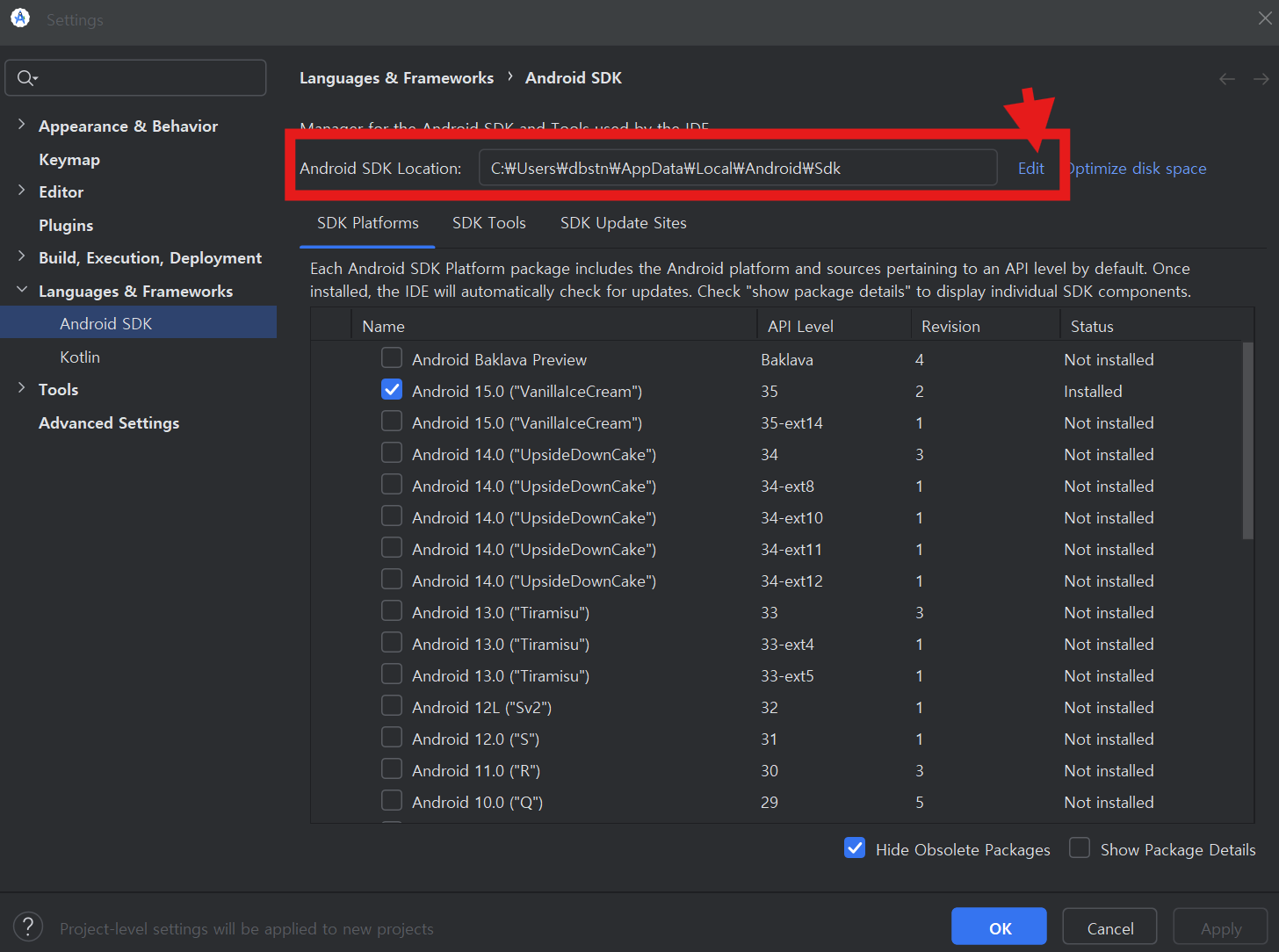
=> Android SDK Location 경로가 있으면 통과 / 없을 시 Edit 클릭

=> 체크박스 전체 클릭 후 Next 계속 누르기 / Finish 클릭 후 완료
=> 자동으로 Android SDK Location 값 들어감.
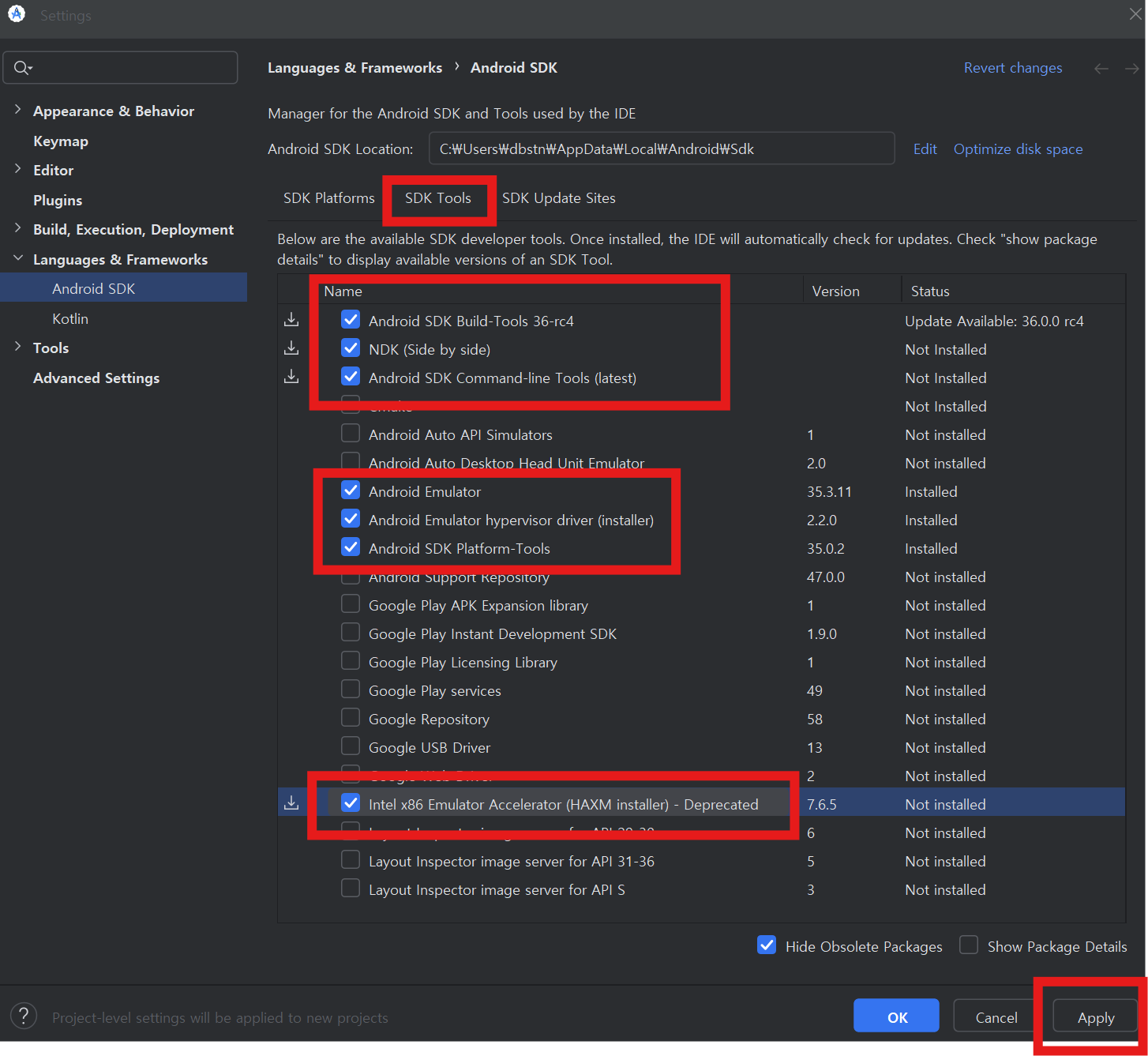
=> SDK Tools에서 하위 항목 체크박스 하기
- Android SDK Build-Tools 36-rc4
- NDK
- Android SDK Command-line Tools
- Andorid Emulator
- Android Emulator hypervisor driver
- Android SDK Platform-Tools
- Intel x86 Emulator Accelertor
=> Apply 누르고 동의하기 누르면 설치완료
5. Flutter 설치 확인
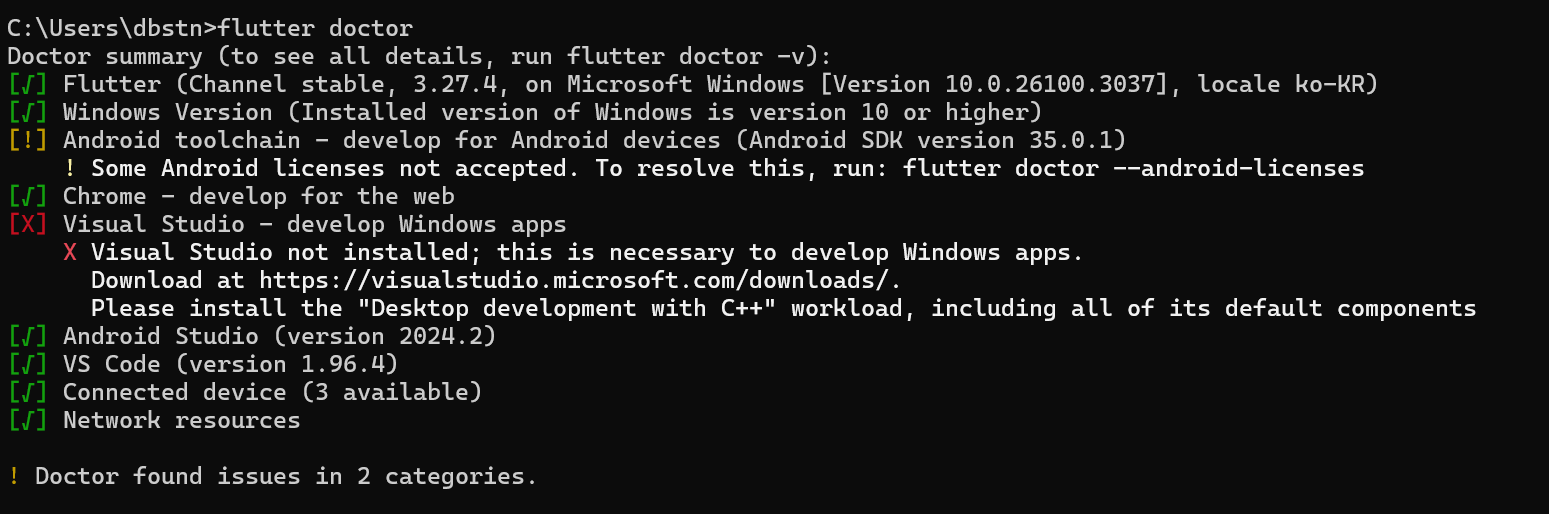
=> Android toolchain에 느낌표 있어서 확인해보니
Flutter 환경을 확인하는 과정에서 Android 라이선스가 승인되지 않음(Some Android licenses not accepted) 문제가 발생한거였다.
flutter doctor --android-licenses
=> CMD에 해당 코드 입력 후 화면에 나오는 라이선스 동의 요청에 y 입력 후 Enter
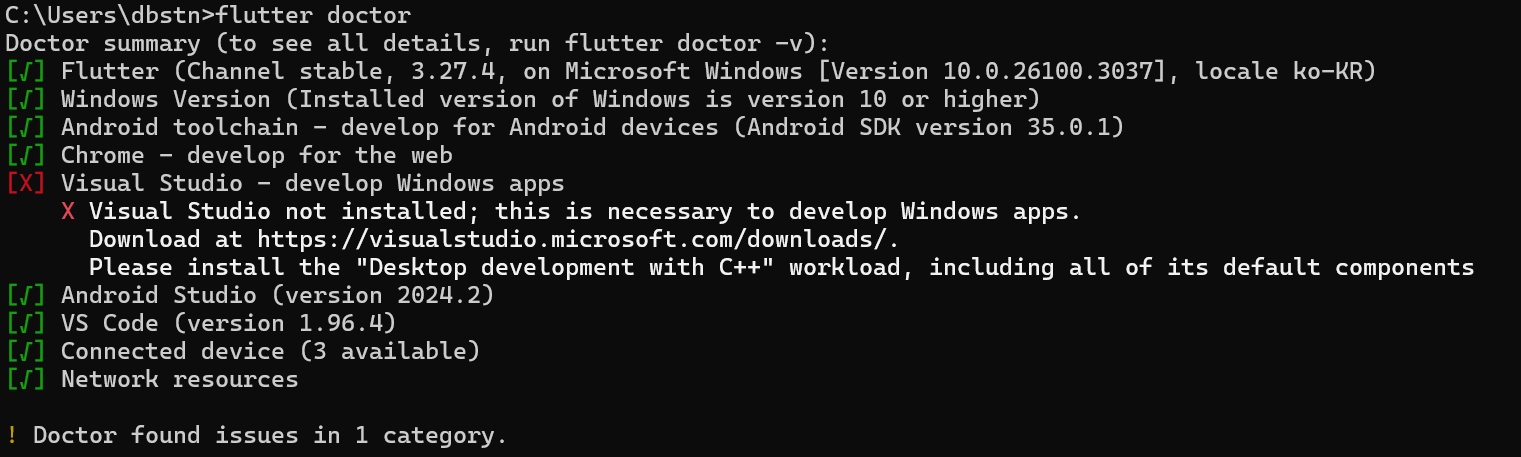
=> 느낌표 사라진걸 확인 할 수 있다.
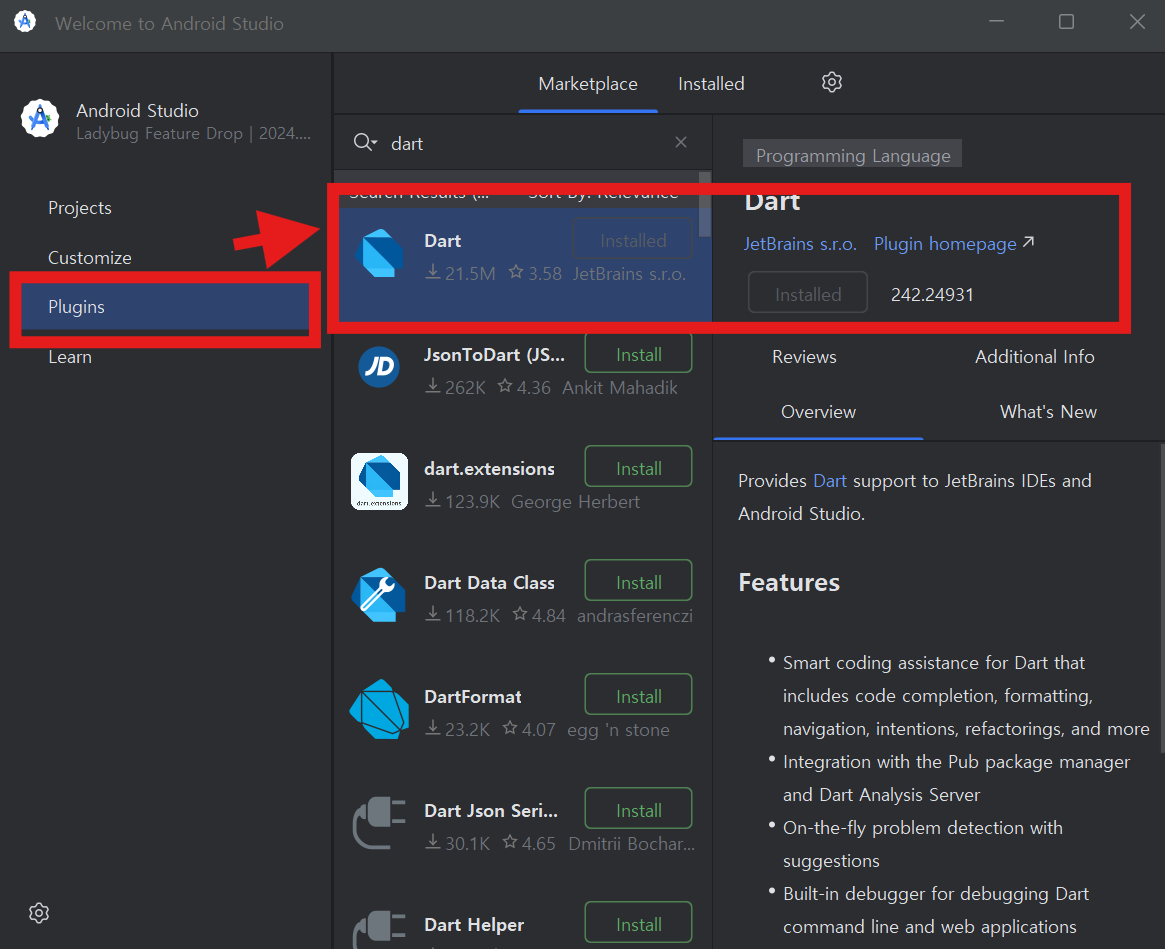
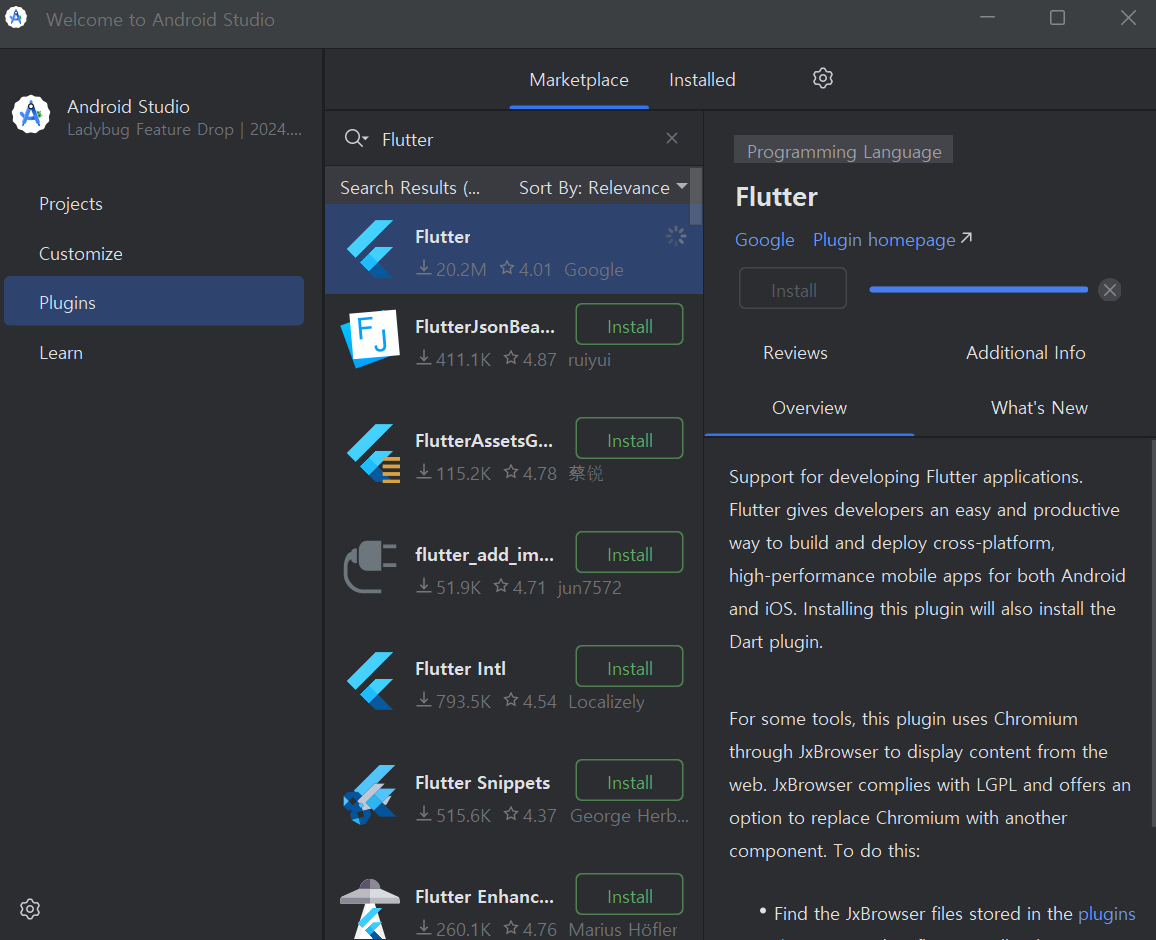
=> 플러그인으로 Dart와 Flutter 설치하기
⚠️ Visual Studio 오류 해결 방법은 mny님 글보고 수정완료
https://moonnight0.tistory.com/entry/X-Visual-Studio-develop-for-Windows
[X] Visual Studio - develop for Windows
문제 확인 플러터를 설치하는 도중 아래와 같은 문제가 생겼다. [X] Visual Studio - develop for Windows X Visual Studio not installed; this is necessary for Windows development. Download at https://visualstudio.microsoft.com/downloads/
moonnight0.tistory.com
난 추가적으로 파이썬이랑 노드 체크했고 C++ 데스크톱과 모바일 다 체크 후 설치했다.
'Flutter' 카테고리의 다른 글
| Flutter 설치 - windows 환경 설정 (2) | 2025.02.07 |
|---|

댓글